
Ledger + Exodus Mobile
Secure crypto
storage
on the go
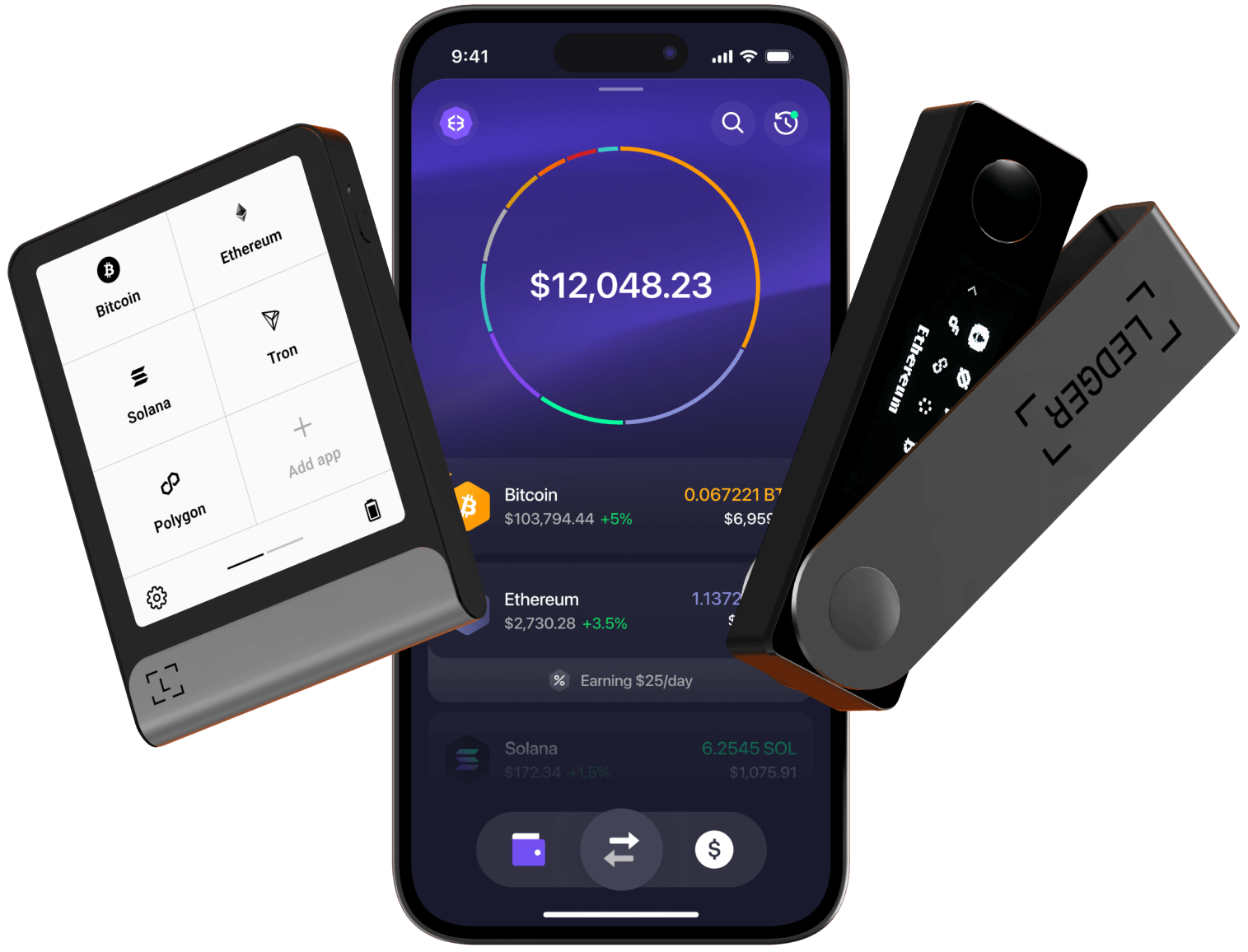
Fortify your Exodus experience with Ledger hardware wallet protection.
Enhanced security meets intuitive design for next-level crypto management.
Get started
Download
Exodus Mobile
Get the app from your device's app store. Available for iOS and Android.
Get a Ledger
and set it up
Download the Ledger Live app and install apps for the crypto networks that you want to use.
Pair Exodus
with Ledger
Start managing your crypto assets with next-level security and a peace of mind.
Ultimate Solution
The power of
hardware security


Supported assets
Secure the assets that matter to you,
from Bitcoin to Ethereum and stablecoins,
with more added regularly.


Never used
hardware wallets?
Visit our Knowledge Base to learn
how to connect your Ledger to Exodus.
It's easier than you think,
and we're here to help!
FAQs
Common questions
Ledger hardware wallets store your recovery phrases and private keys offline, protecting your funds from malware and hackers. Connect your Ledger Nano X or Flex to Exodus Mobile to see your Ledger as a portfolio where you can send, receive, and swap funds. Your Ledger must be connected via encrypted Bluetooth to interact with these funds.
No. Your Ledger and Exodus wallets are completely separate. Your Ledger uses a 24-word phrase created through Ledger Live, while Exodus uses its own 12-word phrase. Write down and securely store both phrases separately, as each can only recover its respective wallet.
Exodus Mobile supports Ledger Nano X and Ledger Flex.
Ledger devices must be set up through Ledger Live before connecting to Exodus:1. Download Ledger Live from Ledger's website2. Connect your Ledger to Ledger Live and complete the setup process3. Install apps for the crypto networks you want to use (e.g., Bitcoin, Ethereum)4. Create an asset account for each network5. Connect your Ledger to Exodus Mobile
The following networks are supported on Ledger in Exodus Mobile:• Bitcoin• Ethereum• Solana• Base• Polygon• TronBefore you can use a network in Ledger and Exodus, you need to install the app for that specific network. You can install asset apps with Ledger Live.

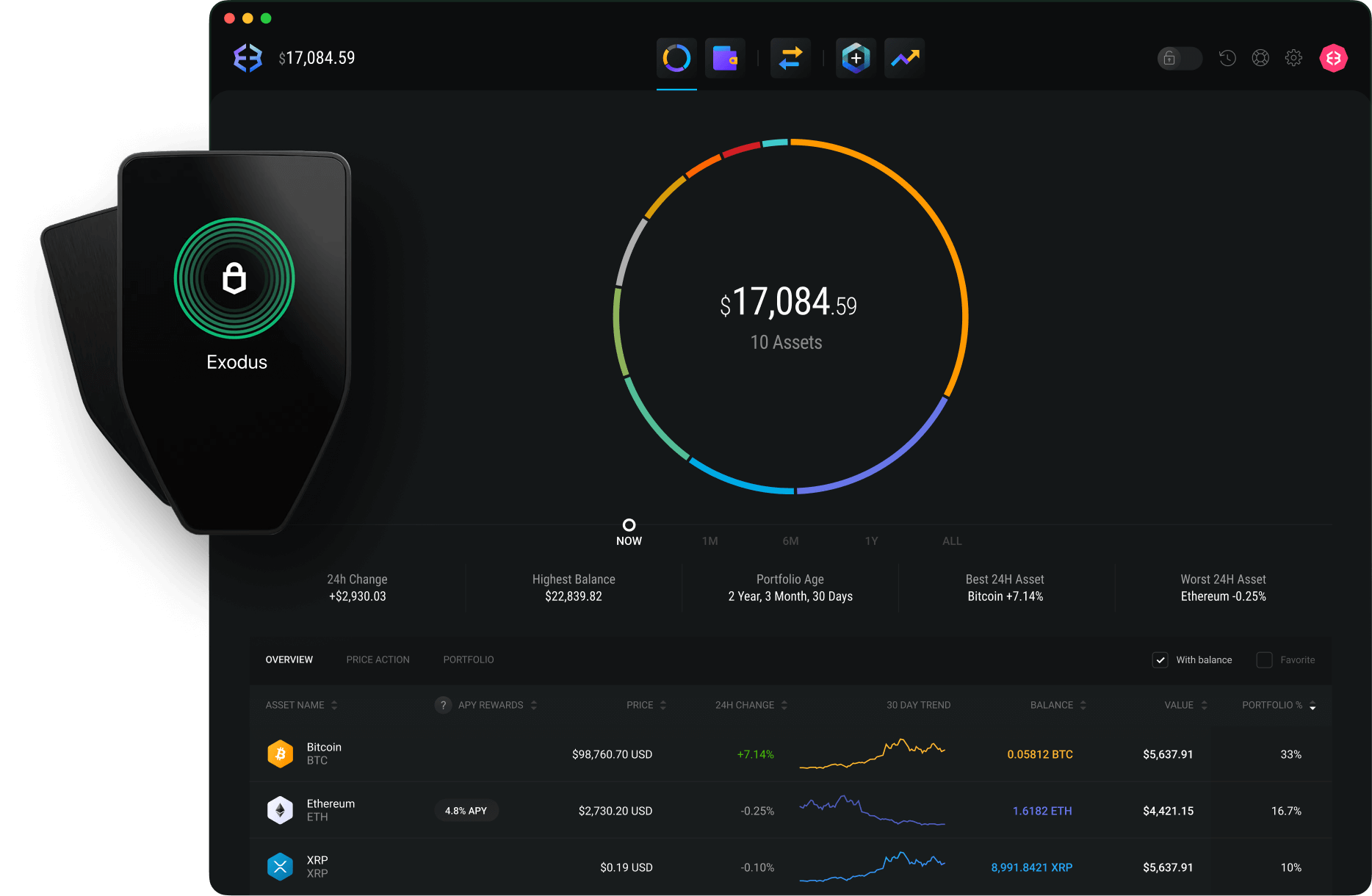
Trezor x Exodus
Using Exodus Desktop?
Learn more about
our Trezor Integration.
Control your wealth
with Exodus todayDownload Exodus Wallet
with Exodus todayDownload Exodus Wallet